Topic Resolution: Resolved
  • Closed
  • Roman Ivanov
    Spectator
    20.06.2015 at 19:13 #18379

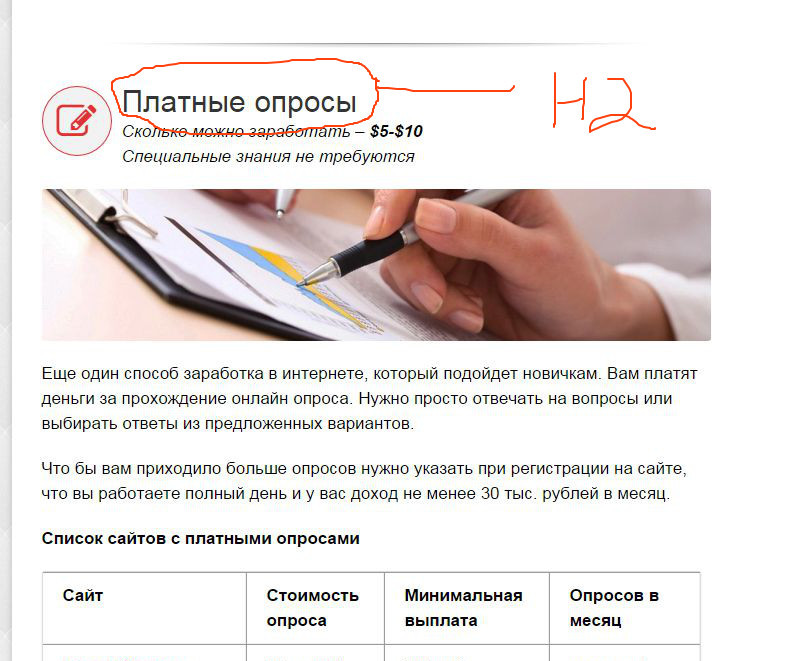
    Hello. After updating to alora 2.7.0 I can’t change H2 color in Theme Options.
    I use h2 to create titles in posts.
    Please, give me custom CSS code, to change it.
    h2 {font-size: 30px !important; color:#C62020; line-height: 2; margin-bottom: 10px !important;} don’t working
    Thanks.

    screenshot http://snag.gy/OxdvA.jpg

    Denzel Chia
    Moderator
    Posts: 2656
    21.06.2015 at 09:28 #18386

    Hi,

    Please provide me url to that webpage.

    Thanks!
    Denzel

    Roman Ivanov
    Spectator
    Posts: 20
    21.06.2015 at 20:44 #18405
    Denzel Chia
    Moderator
    Posts: 2656
    22.06.2015 at 03:20 #18406

    Hi,

    Please try the following
    .entry-title {
    color: #c62020 !important;
    }

    Screenshot http://prntscr.com/7jsyfs

    Thanks!
    Denzel

    Roman Ivanov
    Spectator
    Posts: 20
    24.06.2015 at 12:40 #18474

    Not title of article. H2 title inside article. On your screenshot need to change color of title “Как это работает”

    Thanks for help.

    Imran
    Spectator
    Posts: 402
    24.06.2015 at 13:05 #18475

    Hi there,

    Thanks for writing in, if you wish to achieve that, you can add following code under Appearance > Theme Options > Custom CSS:

    .postid-470 #wrapper #main .post-content h2 {
    font-size: 30px !important;
    color: #C62020;
    line-height: 2;
    margin-bottom: 10px !important;
    }

    Thanks.

    Roman Ivanov
    Spectator
    Posts: 20
    24.06.2015 at 13:29 #18476

    Thank you. All working!

    Imran
    Spectator
    Posts: 402
    25.06.2015 at 09:48 #18510

    You’re welcome! 🙂