


Forum replies created
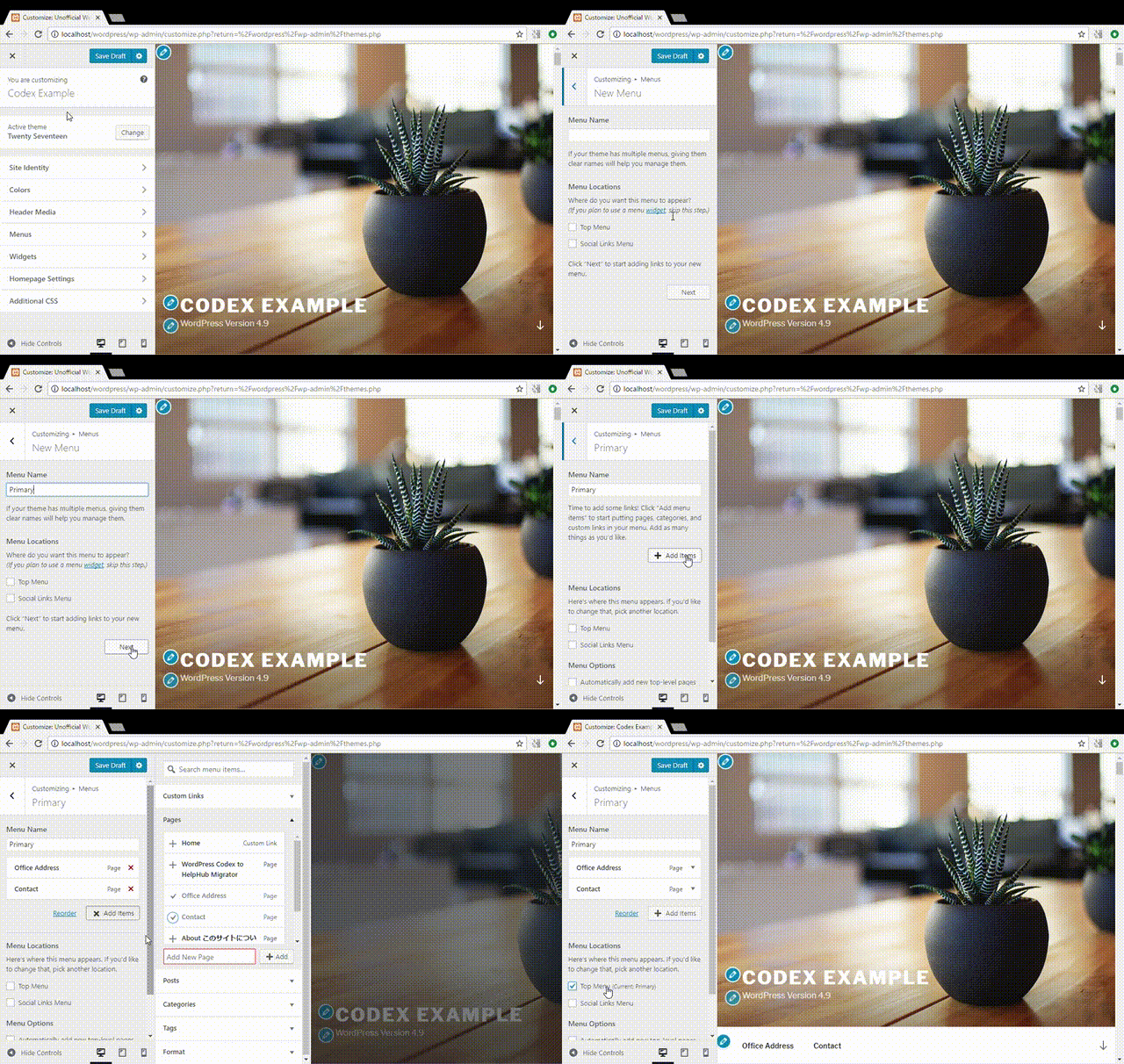
WordPress 4.9 ‘Tipton’: What’s New & How Does It Work
The very latest version 4.9 of Word [...]
5 Benefits of WordPress Blog Hosting
The internet is rich with a large n [...]
3 Key Elements of a Profitable WordPress Blog
Blogging is a fun and most prolific [...]
How to Start a WordPress Blog in 5 Minutes – a Step by Step Tutorial
A lot of us have heard of Content M [...]
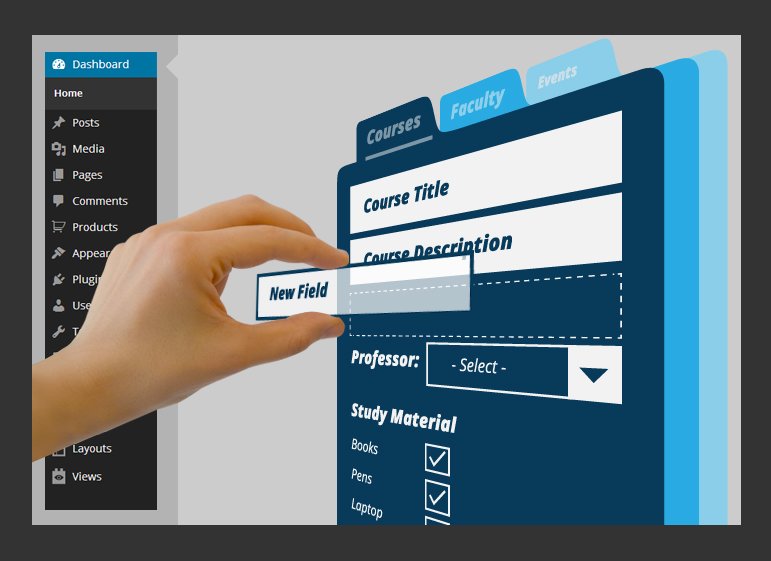
6 Top Custom Post Types Plugins for WordPress
Custom post types present an intere [...]

there are many plugins with lightbox effect which you could try, check it out on the wordpress.org plugin repository
evolve Settings -> Styling Options -> Disable Widget Background, be sure to have checked it
the evolve includes same shortcodes like alora, so the documentation is same for both themes. what do you mean? full width?
it means, you can enable the slider in a post or page of your choice. if you choose this, it will disable the slider on all pages and home page
try to go to evolve settings page and in Header Options disable header widgets area.
try this shortcode and modify per you needs:


[t4p_tabs layout=”horizontal” backgroundcolor=”” inactivecolor=””]
[t4p_tab title=”Interesting Posts”]
[/t4p_tab]
[t4p_tab title=”You Might Like”]
[/t4p_tab]
[/t4p_tabs]
[t4p_tabs layout=”horizontal” backgroundcolor=”” inactivecolor=””]
[t4p_tab title=”Superb Videos”]
[slider width=”100%” height=”100%”]
[/slider][/t4p_tab]
[/t4p_tabs]
Readers Favorite
SEO Super Tool — Probe 68605bd2
Тестовая проверка публикации постов [...]
SEO Super Tool — Probe cb3ed83c
Тестовая проверка публикации постов [...]
it’s simple Images shortcode:


[/images]
what about enable a fixed boxed layout?
the border is there, it’s just not shown because it’s hidden by CSS. try this:
decrease the percentage per needs
for the social icons try in the Custom CSS field:
for the featured images use something like: